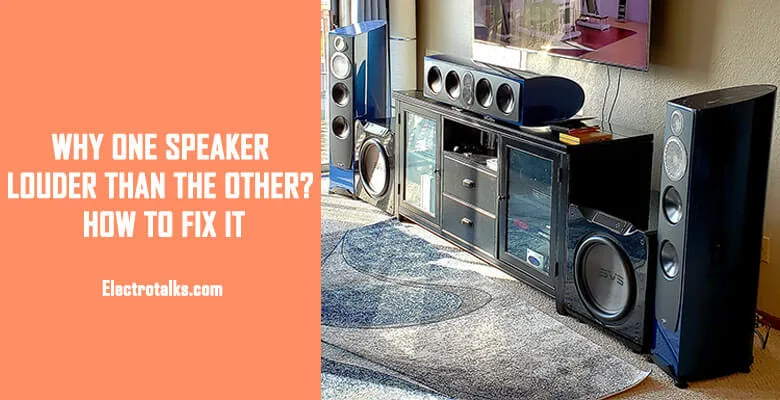
Updated July 2026 · Links checked July 2026.
Before you blame a speaker, know this: genuinely “blown-quieter” speakers are the rare case. Most left/right imbalances are a setting, a placement quirk, or a dirty contact — and one simple test separates all of them from actual hardware. Do the swap first; everything else follows from what it tells you.
Short answer: swap the left and right speakers (or just the wires at the amp). If the quiet side moves with the speaker, the speaker or its wire is at fault. If the quiet side stays put, the problem is upstream — balance setting, amp channel, or source — and your speakers are fine.
The 6 checks, in order
- The swap test. Two minutes, answers half the question. Quietness follows the speaker → steps 5–6. Quietness stays on the same side → steps 2–4.
- Balance, fader and channel trims. Check every place a left/right setting hides: the amp’s balance knob, the TV or AVR’s speaker-level menu, the phone or PC’s accessibility audio-balance slider (a notorious silent culprit), and any EQ/DSP app in the chain. Set everything dead center.
- The source itself. Some tracks are genuinely mixed asymmetrically. Test with a mono track or a channel-test video before trusting any one song’s verdict.
- Placement and the room. A speaker jammed near a side wall gets a free loudness boost from reflections; a speaker angled differently, or a foot closer to you, reads as “louder” too. Match distance, height and toe-in for both sides — the imbalance often vanishes without touching a wire.
- Connections and controls. Power off, then: re-strip and re-seat the quiet side’s wire at both ends (hunting corrosion and loose strands), and work the amp’s volume and balance knobs plus any A/B speaker switch through their full travel a dozen times — oxidized contacts in aging controls leave one channel faint, and exercising them often clears it. Persistent scratchy-knob behavior is a job for contact cleaner or a technician.
- Test the speaker itself. If the swap test convicted the speaker: check its driver cones for damage, and measure resistance across its terminals if you have a multimeter — a healthy speaker reads a few ohms; near-zero or infinite means a damaged voice coil. A failing crossover component can also mute just the tweeter or woofer — listen close to each driver. Repair-vs-replace math lives in our crackling guide, same rules.
If it is the amp channel
Quiet side stays put, settings are centered, source is mono-verified — that leaves the amplifier channel. Try a different input first (a failing input stage affects one source), then different output terminals if your amp has A/B sets. A channel that measures weak on every input and output is an amp repair question, and on budget receivers the answer is usually our receiver guide rather than a bench bill.
Speaker imbalance FAQ
Why is one speaker quieter than the other?
In rough order of likelihood: an off-center balance setting somewhere in the chain, placement and room reflections, a corroded or loose connection, an aging volume/balance control, an asymmetric recording, and – least often – an actual damaged speaker. The left/right swap test tells you which family you are in.
How do I test if a speaker is blown?
Swap it to the known-good channel: if it stays quiet, inspect the cones and measure across the terminals with a multimeter. A few ohms is healthy; near-zero (shorted coil) or infinite (open coil) means driver damage. A quiet tweeter with a working woofer points at the crossover instead.
Can a dirty volume knob cause one quiet channel?
Yes – oxidation inside aging potentiometers and speaker A/B switches commonly drops one channel. Working the control through its full range repeatedly often restores it; contact cleaner applied by someone comfortable opening the amp is the durable fix.
Why is my phone or PC audio louder on one side?
Check the accessibility settings – both Windows and phones have a left/right audio balance slider that gets moved accidentally and survives reboots. It is the most-missed setting in this whole diagnosis.