Best Car Stereos with Bluetooth, GPS & Backup Camera
Updated July 2026 · Links checked July 2026. Two things the listings do not make clear. 1) “GPS” comes two…
24 Jun 2026
Car audio, head units, batteries and dash cams - compared by fit, power and what actually fixes the fault.
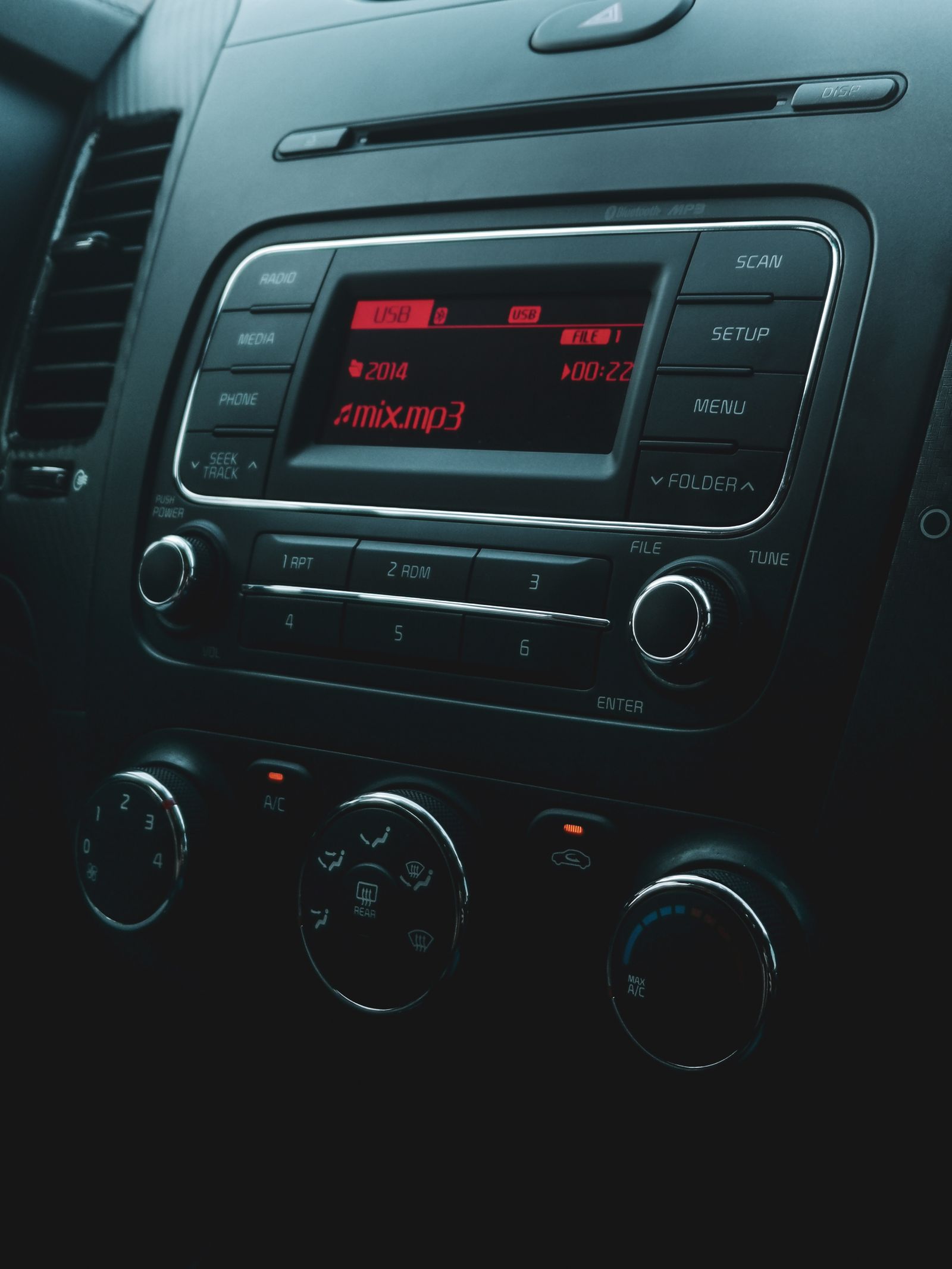
Car electronics splits into two very different jobs: upgrades you want (better sound, a modern head unit, a dash cam) and faults you need to fix (speakers cutting out, a battery that won’t hold, a flickering display). The good news is they share one root skill – clean power and clean grounds. Get the wiring right and most upgrades shine; ignore it and even expensive gear misbehaves.
So before you buy, sort your project into one of four lanes below. The deciding spec is almost never the brand on the box – it’s whether the part fits your vehicle and gets solid power and ground. That’s what this hub is built around.
The short version
Here’s the quick map – find your project, then jump to the matching section below.
ElectroTalks · Car electronics map
Your goal decides the part. Fit and a clean ground decide whether it works.
Decider: match speaker power and impedance to the amp; watch sensitivity.
Decider: the DIN size that fits your dash, plus CarPlay/Android Auto.
Decider: correct voltage and group size, plus a clean ground to bare metal.
Decider: constant (hardwired) power and at least 1080p, ideally front + rear.
This is the most popular upgrade and the one people most often do in the wrong order. Replace the speakers first – it’s the biggest jump from factory sound – then add an amp and subwoofer once the head unit is clearly out of clean power. This section also covers the faults: cut-outs, weak output and the dreaded one-side-only issue.
The spec that decides a clean install is power and ground: speakers matched to the amp’s power and impedance, and an amp grounded to bare metal. For picks and fixes see the best car speakers for rock, why a car speaker cuts in and out, quiet rear speakers, and how to wire 6 speakers to a 4-channel amp. Full coverage in the Car Audio hub.
Swapping the head unit gets you CarPlay, Android Auto, Bluetooth and a backup camera in one go – but only if it physically fits. This section is for choosing the right unit and fixing display and volume gremlins.
The deciding spec is DIN size and dash fit: double-DIN for the big touchscreen, single-DIN for the short opening, with a dash kit if your vehicle is in between. Start with the best car stereo with Bluetooth, GPS and backup camera, and troubleshoot with a flickering display or a volume that turns itself down. More in the Car Stereos & Head Units hub.
When something won’t start, charge or stay on, the answer is almost always in the battery and charging system – not a new gadget. This section covers batteries, jump starters and the 12V electrical faults that strand people.
The spec that decides a battery is correct voltage and group size for your vehicle, plus healthy charging. See the best six-volt car battery, the truth about putting a 12V battery in a 6V car, a jump starter that won’t charge, and a battery light that flickers on and off. Everything is in the Battery & Electrical hub.
Rounding out the hub: dash cams and the small install jobs that make everything else work. A dash cam is cheap insurance, but the detail that matters is constant power – hardwire it (or use a proper battery pack) so it records when parked.
See our DIY dash cam battery pack for parked recording, and if your reception is rough, how to fix bad radio reception in a car. The same wiring discipline – solid power, clean ground – applies to every install on this page.
One safety habit before you wire anything. A car battery can push hundreds of amps into a dead short, so any power lead you run from it — amp, dash cam, anything — gets an inline fuse within ~18 inches of the battery, sized to the wire gauge, and you disconnect the negative terminal first. Match wire gauge to the current draw (an undersized power wire is the thing that melts, not the fuse). Clean, fused power and a solid ground fix more “electrical gremlins” than any part you can buy.
Think of a car’s electrical system like a house’s plumbing: every device taps the same supply, and one bad joint (a poor ground) drops pressure everywhere. Work in this order:
Do it in that order and a modest budget goes a long way. Skip the fit-and-ground step and you’ll be back under the dash chasing a fault that the install created.
For better sound, start with speakers and only add an amp when you’ve heard their limits. For a new stereo, measure the dash opening before you shop. For anything electrical, test the battery, charging and grounds before spending a cent on parts. Match the project to the section above and you’ll fix or upgrade it once – not three times.
Updated July 2026 · Links checked July 2026. Two things the listings do not make clear. 1) “GPS” comes two…
Updated July 2026 · Links checked July 2026. What rock actually asks of a car speaker. Three things: detailed highs…
Cut-outs are usually loose wiring, a failing amp ground or an overheating head unit. Tighten and re-route the wiring, then test the amp ground with a multimeter before replacing anything - our car audio guides walk through it.
Not always. New speakers alone are a clear upgrade over factory ones, but an amp gives them clean power to actually come alive - especially for bass or higher volumes. Add the amp when the head unit is clearly running out of clean power.
It depends on your dash opening. Double-DIN is the taller unit with the big touchscreen; single-DIN is the short one. Measure the factory opening or check your vehicle before buying, since a mismatch needs a dash kit.
Usually the fader is set forward, or the rear speakers are wired through the factory amp differently. Check the balance/fade settings first, then the wiring - our rear-speaker guide covers the common causes.
Not without rework - the electrical system, gauges and bulbs expect a specific voltage, and 12V can damage them. We explain the risks and the proper conversion options in our battery and electrical guides.
Set a multimeter to measure voltage drop between the amp ground terminal and bare chassis metal while the system plays; more than a few tenths of a volt means a poor ground. A clean, tight ground to bare metal fixes a lot of audio faults.