Updated July 2026 · Fixes verified against Bose documentation and repair-community reports.
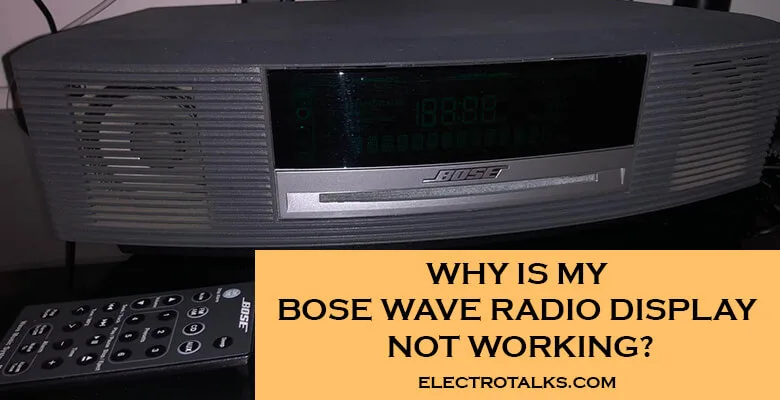
A dark or dim Bose Wave display is almost never a dead radio — if the music still plays, you are usually one button combination away from the fix. The Wave auto-dims with room light and buries its brightness control behind a combo nobody remembers, which is why “display not working” is one of the most-searched Wave problems and one of the fastest to solve.
Short answer: hold CLOCK SET and press Volume + (radio models), or hold CD MODE and press Volume + (CD models — brightness runs 1–9). If nothing changes, unplug the unit for 30 seconds and try again. Only a display that stays dark through all of the steps below has a hardware problem.
The fix sequence
- Confirm the radio itself is alive. Press power or a preset — if there is sound, this is a display setting or backlight issue, not a power fault. (No sound at all is a different article’s problem.)
- Raise the brightness with the combo. On Wave radios: hold CLOCK SET, then tap Volume + repeatedly. On Wave music systems with CD: hold CD MODE and use Volume +/− — settings 1–5 suit dim rooms, 5–9 bright rooms. Owners routinely discover the setting was on 1.
- Account for the auto-dim sensor. The Wave adjusts its display to ambient light. A lamp shining on the sensor — or a very dark room — can push it dimmer than expected. Change the room lighting and watch whether the display follows before declaring a fault.
- Do the 30-second reset. Unplug from the wall, wait 30 seconds, plug back in, re-do step 2. This clears the occasional firmware sulk and costs nothing.
- Try the remote’s display controls too. If the remote is unresponsive generally, replace its battery (CR2032 in most Wave remotes) — a dead remote masquerades as several “broken radio” symptoms at once.
- Still dark or half-dark? It is hardware. Aging display backlights and electrolytic capacitors are known long-term failure points on older Waves. This is bench-repair territory — boards carry mains voltage, and DIY transistor surgery on a Wave is how working radios become parts radios. A Bose-experienced repair shop quote versus the used price of a newer Wave is the real decision at this point — our Wave alternatives guide covers the replacement math.
Bose Wave display FAQ
How do I brighten the display on a Bose Wave?
Hold CLOCK SET and press Volume + on Wave radios; hold CD MODE and use the volume buttons on CD-equipped Wave music systems, where brightness runs from 1 to 9. The setting persists once changed.
Why does my Bose Wave display change brightness on its own?
It is designed to – an ambient light sensor auto-adjusts the display to the room. It dims in dark rooms and brightens in daylight; a lamp aimed at the unit or a very dark room can produce surprising results.
My display is completely dead but the radio plays – is it worth repairing?
That points to the display backlight or related board components, a known aging failure on older Waves. Get a quote from a repair shop experienced with Bose – then compare it honestly against the used price of a newer Wave system before committing.
Will unplugging the radio reset my presets and clock?
The clock usually needs resetting after a power cycle; station presets survive on most models. Thirty seconds unplugged is the standard soft reset and is safe to try.